Email Marketing with Emma
Stop wrestling with email templates. Tell Emma what you need and she'll create ready to send emails with your branding and personalization already in place.
Emma is your email marketing specialist. She creates beautiful, branded emails that you can send or schedule to your audience with just a few clicks. Let's get to it!
Connect Your Email Platform
If you haven't done so already, head to the Intelligence Hub and connect your email platform. Emma works with Brevo, Mailchimp, Outlook, and Gmail. This lets her send emails directly on your behalf. It only takes a minute but will save you countless hours.
Chat with Emma
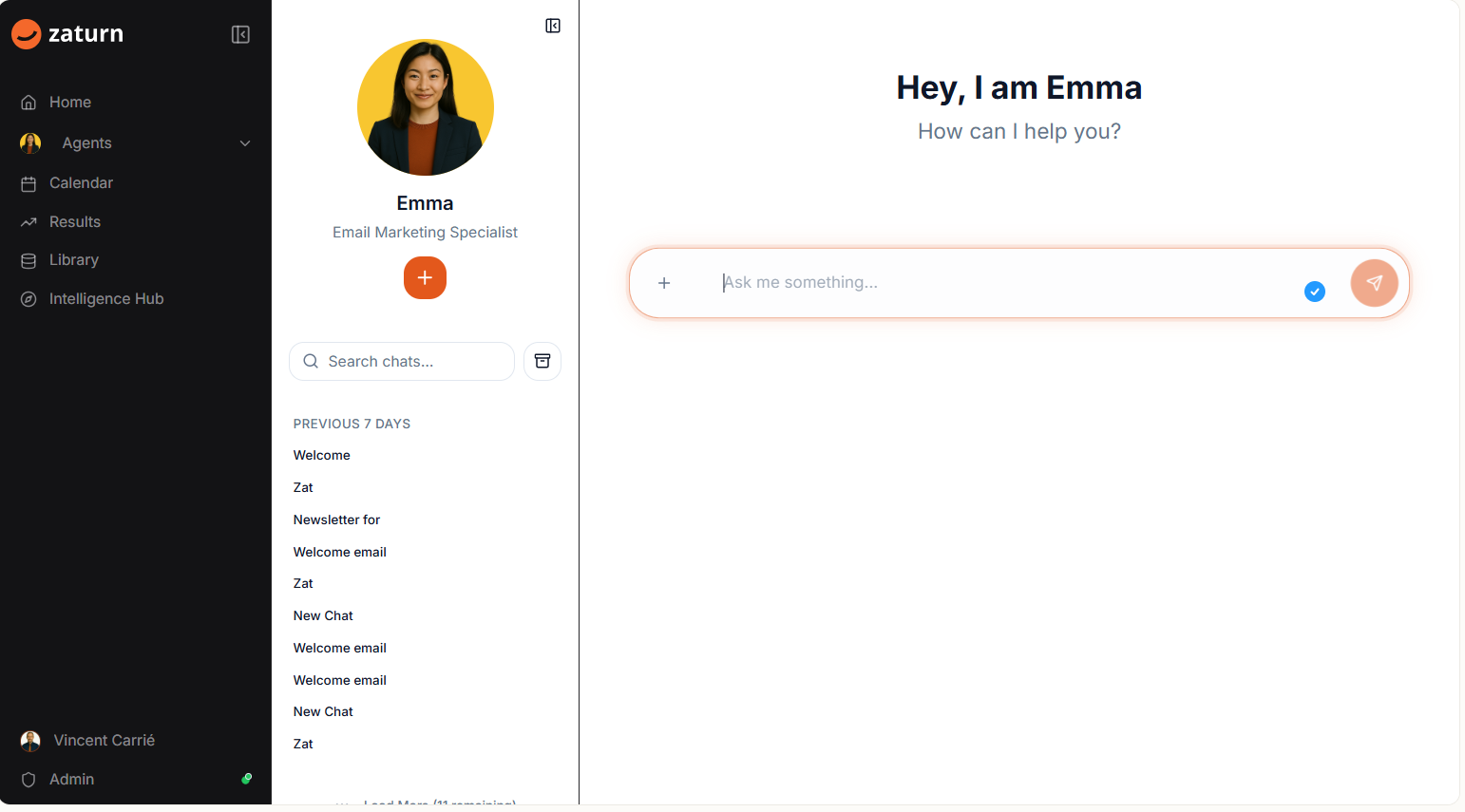
Chat with Emma and tell her what kind of email you need. Emma will engage in a discussion with you to create the perfect email. She's worked on thousands of campaigns and knows what gets opens and clicks.
Simply tell her what you're going for. Something like:
"Create a sample easy email for welcome to zaturn.ai use our logo"
That's all she needs to get started.
Your Email Preview
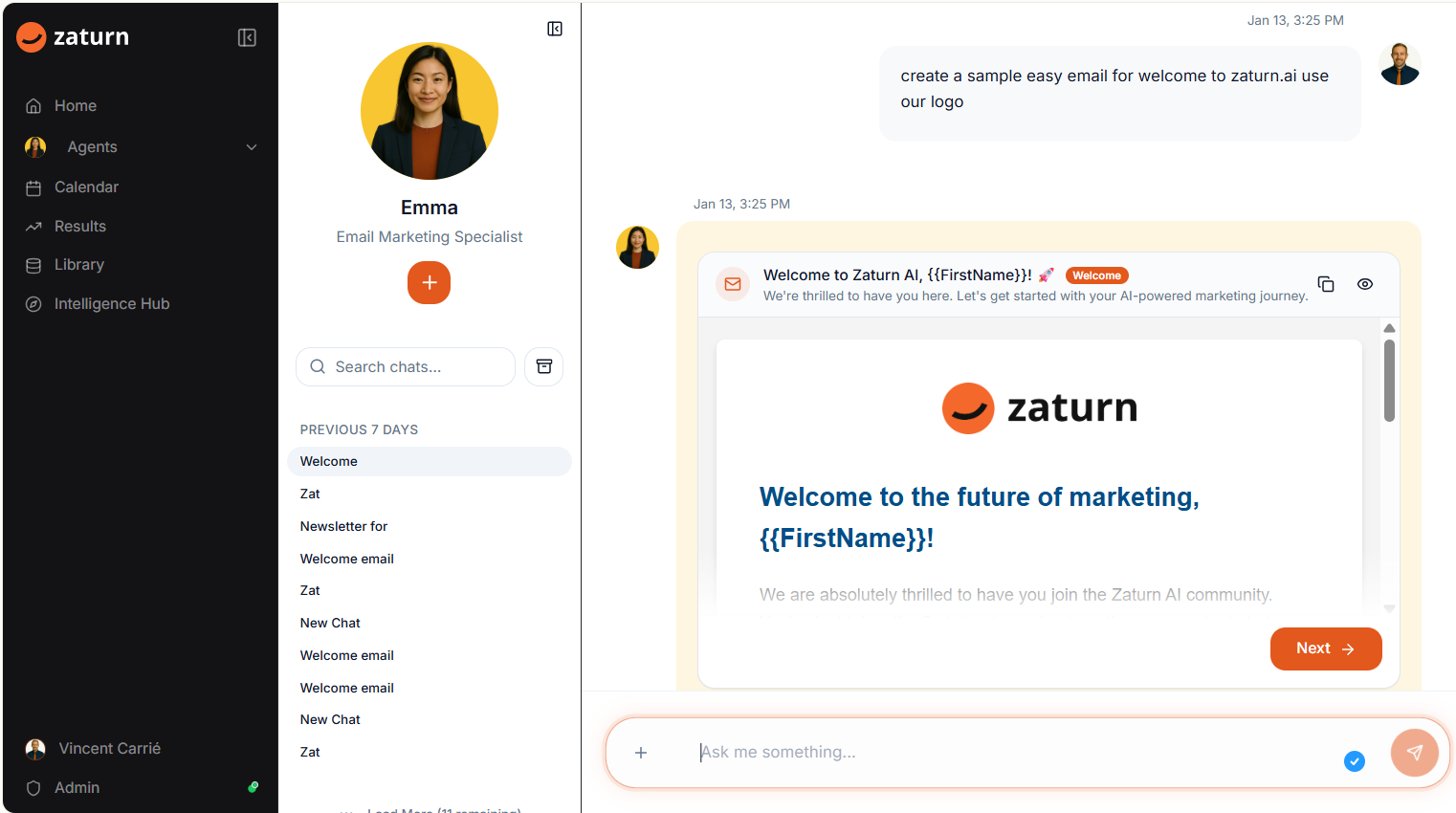
Emma creates complete, ready to send emails with your branding, your logo, and personalization built in. You'll see a full preview of exactly how it will look in your subscribers' inbox.
Notice the {{FirstName}} tag? Emma automatically personalizes emails for each recipient. No more "Dear Customer" vibes.
Happy with it? Click Next to choose your recipients and send!
Edit or Send
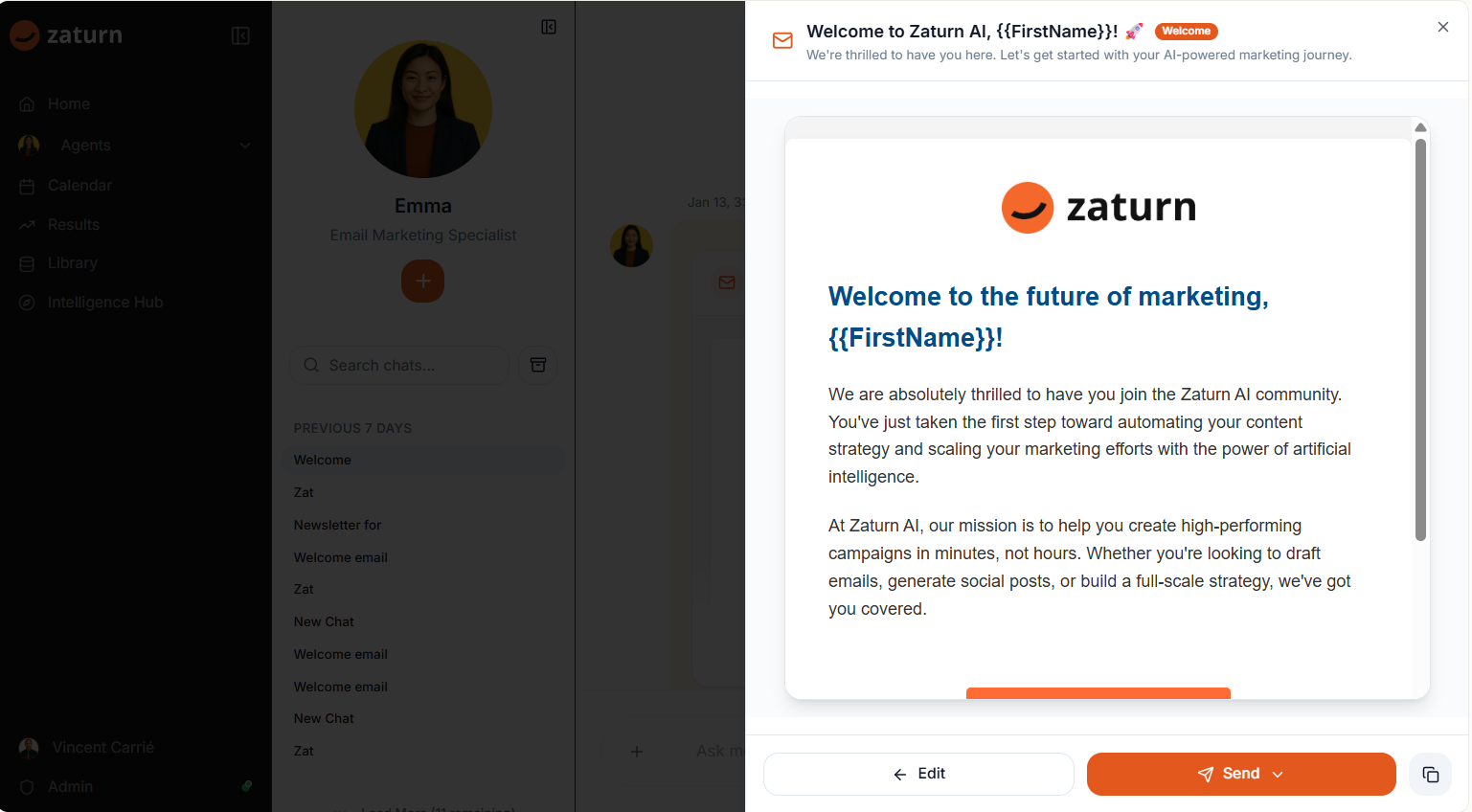
Want to tweak something? Click Edit and make your changes. Emma gives you full control over the final result.
Ready to go? Click Send and choose who receives it. You can select from your contact lists, specific segments, or individual recipients depending on your connected platform.
Save Your Templates
Love an email Emma created? Save it as a template and use it again later. Build up a library of your best performing emails so you're never starting from scratch.
Your Calendar
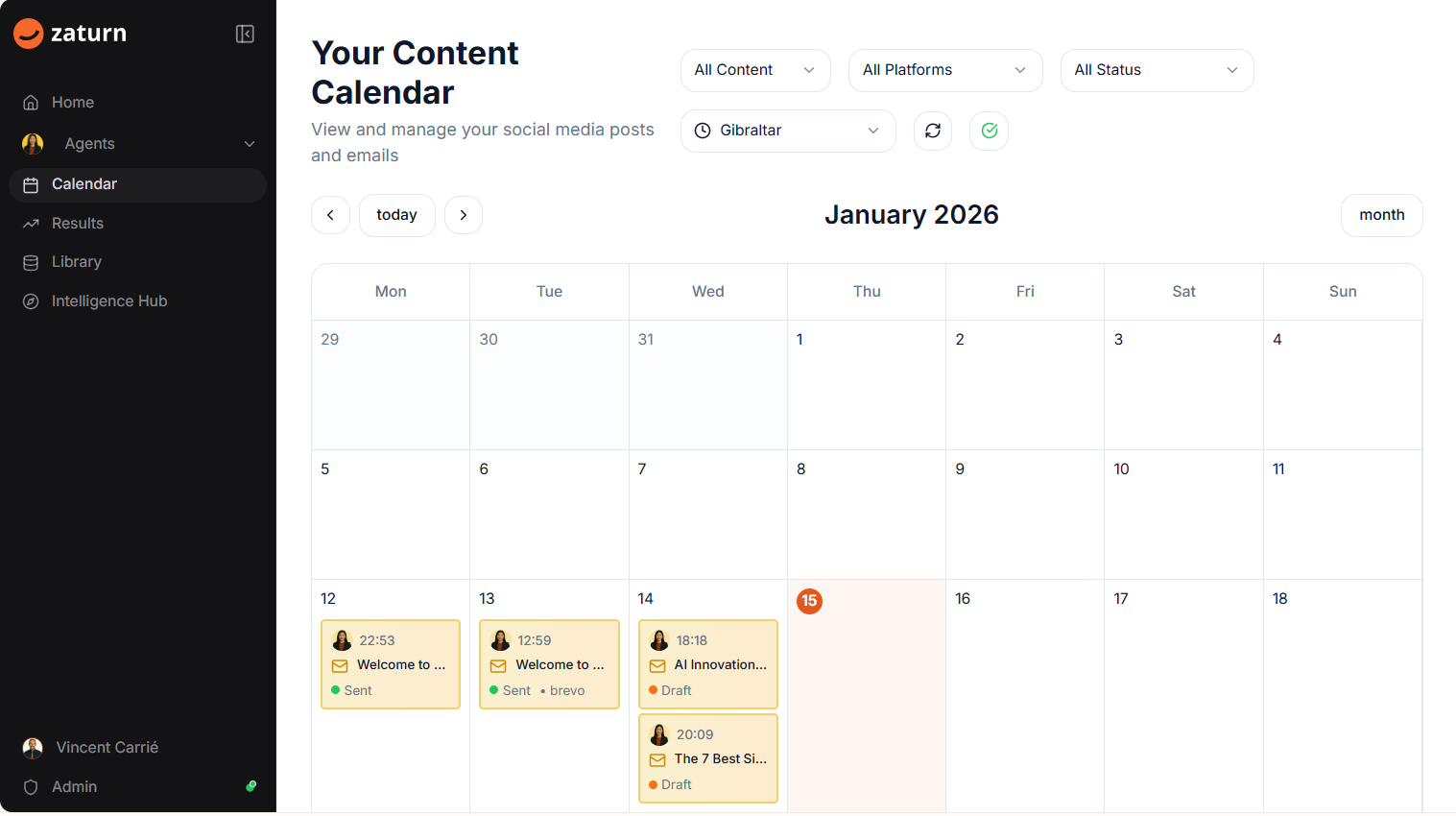
Emma knows things can get hectic, and she likes to keep things organized! Head to your Calendar and you can view exactly what emails are scheduled to go out and when.
You'll see the email subject, the time it's scheduled, and the status. Green means sent. Orange means it's still in draft.
Want to change the content or time? Or simply delete an email? No problem! You can do that all from the Calendar by simply clicking on the email.
Your Best Email Marketing
That's it! Tell Emma what you need, preview your email, choose your recipients, and hit send. Professional email marketing without the learning curve.