Getting started with Zaturn AI
Getting started with Zaturn is very easy and only takes a few minutes, with lifelong benefits and countless hours saved.
Getting started with Zaturn is very easy and only takes a few minutes, with lifelong benefits and countless hours saved. Let's get to it!
Create your account
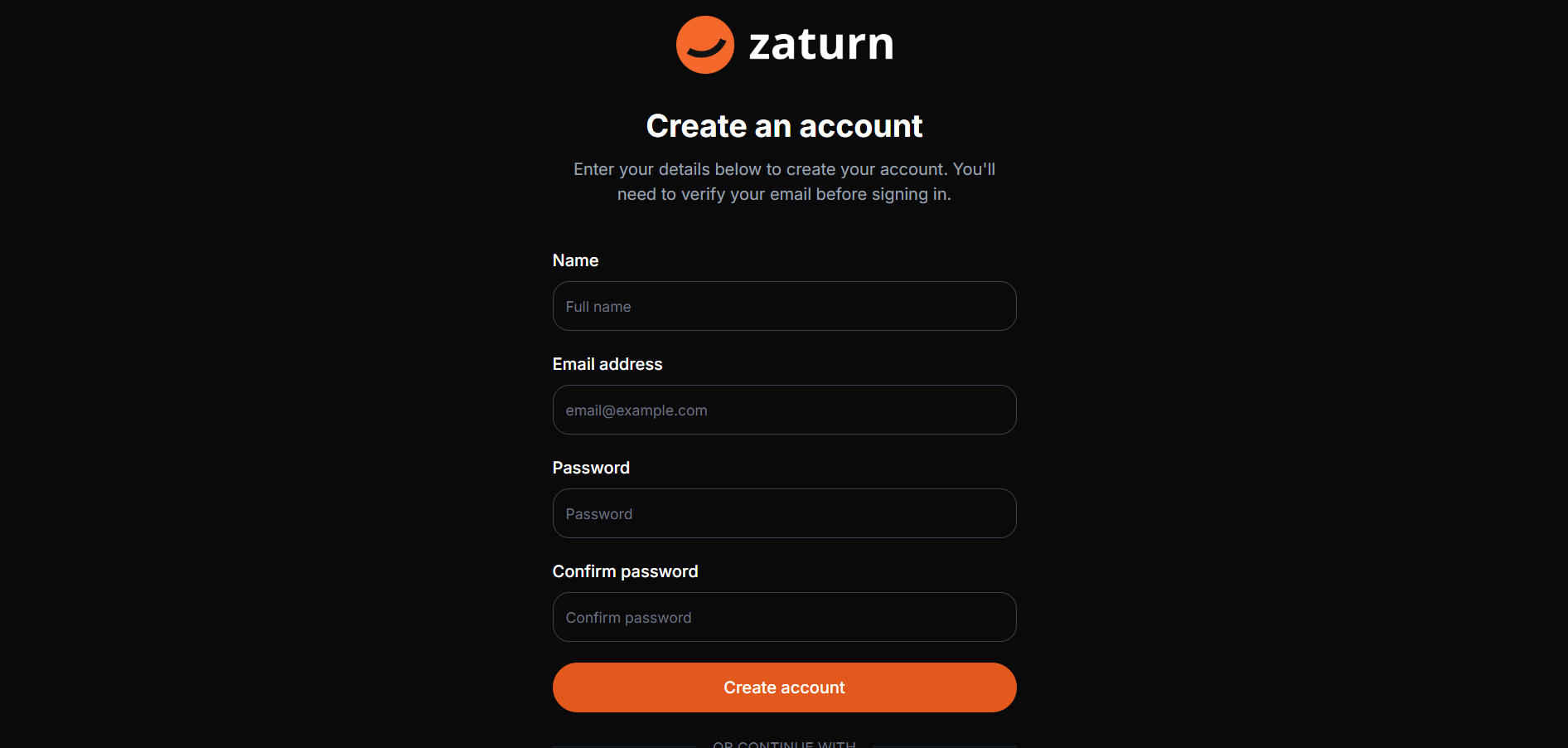
Create your account on Zaturn AI by simply adding your name, email and password, or simply login with your Google Account.
That's it! Say Hello to your new AI-powered marketing team!
Get to know your simple dashboard
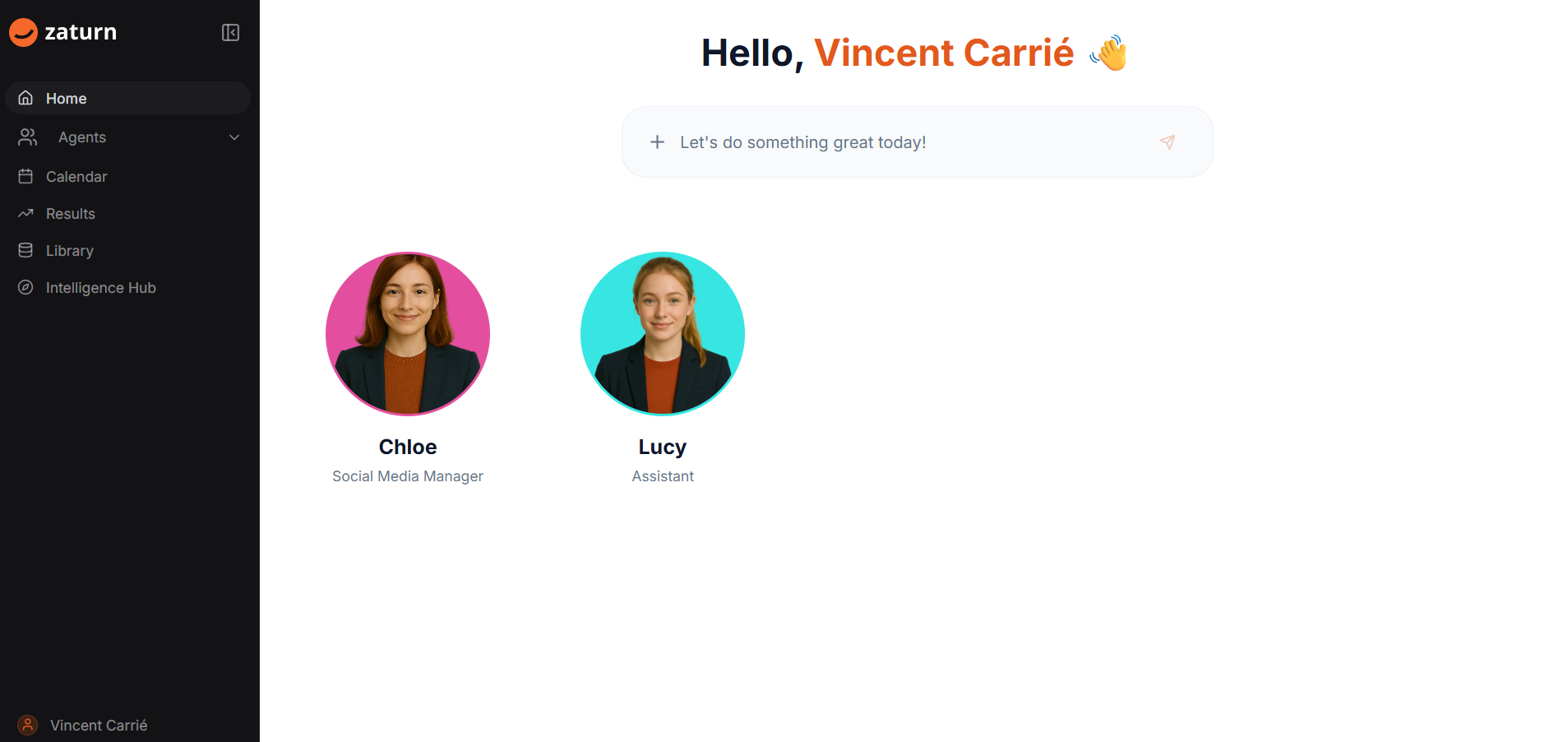
Your dashboard is your central command center, where you can chat with your team.
The side panel enables you to have quick access to your agents, your calendar, your results (analytics), your library and the very important Intelligence Hub.
Add key information to your Intelligence Hub - Memory Tab
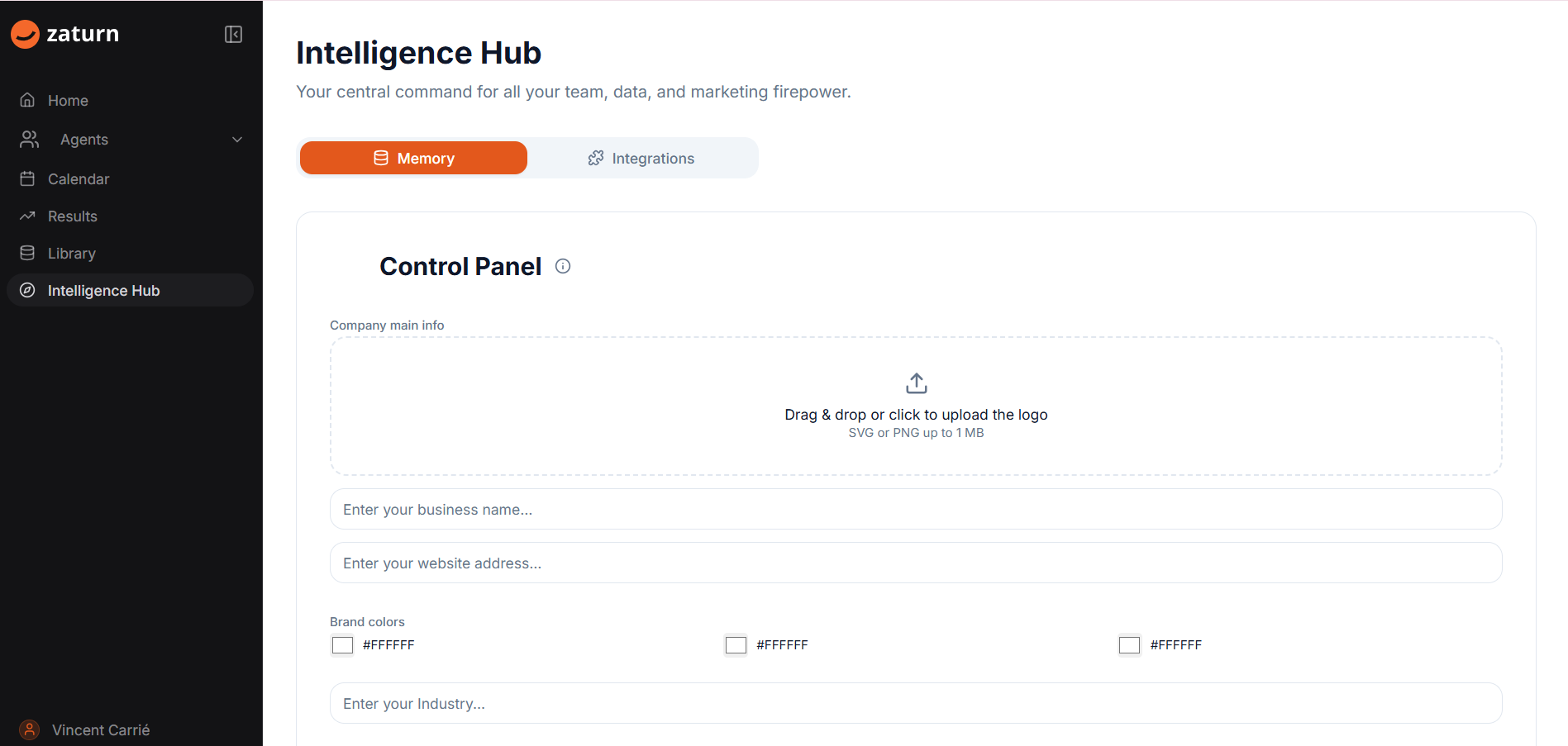
In the Intelligence Hub - Memory Tab you will find your Control Panel.
Add key information about your business, such as your logo, business name and website, company colors, your industry, target market and audience and some of your main competitors.
The more information your provide, the better your team will be able to work!
Connect your assets via the Intelligence Hub - Integrations
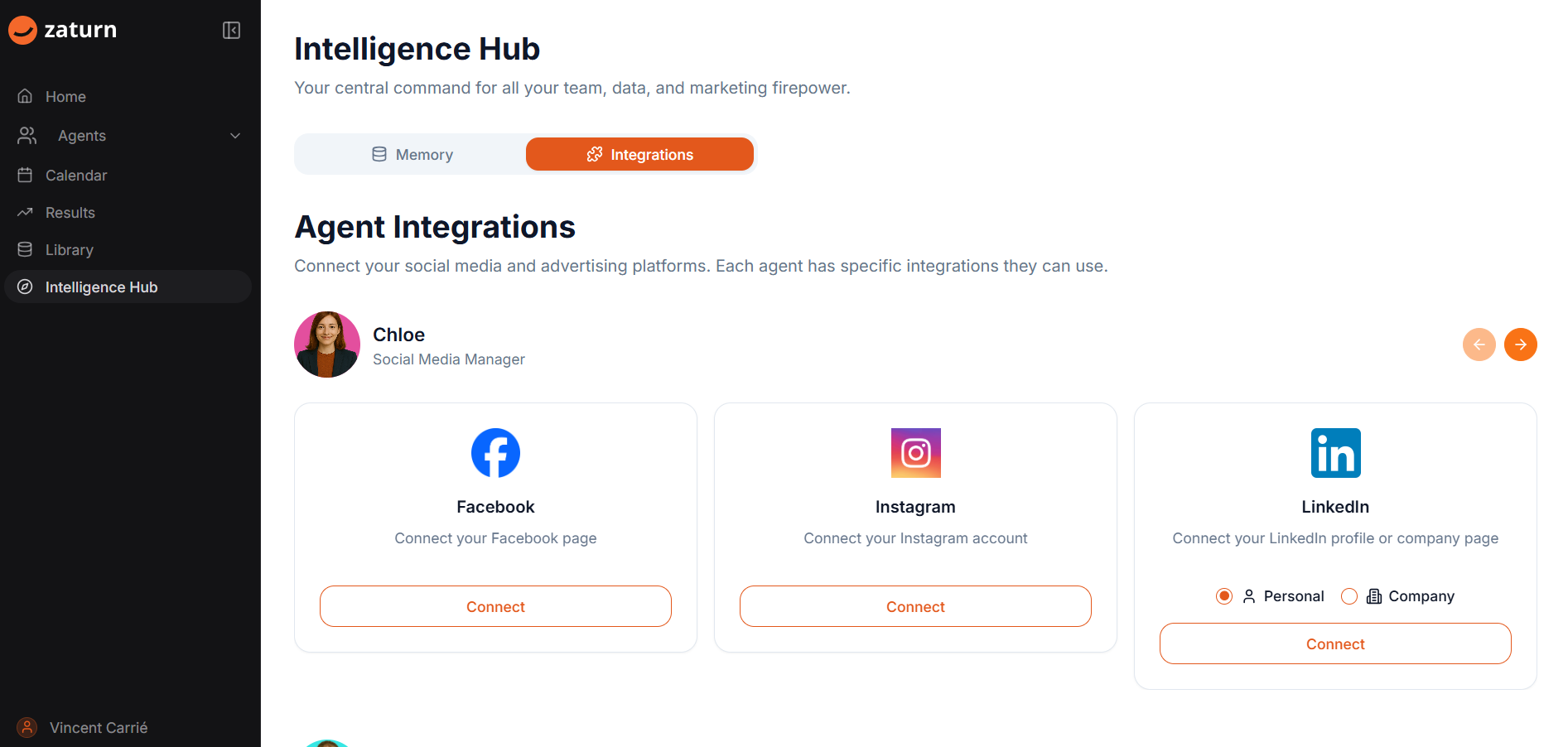
Zaturn enables you to have direct integrations to key business assets, such as your social networks.
Click on Connect and a pop-up with appear for you to allow your team to action directly on those and you won't have to lift a finger.
Get your team to work!
You're all set!
Head back to the dashboard and get your team to work for you and grow your business!