SEO with Alex
Stop guessing what Google wants. Tell Alex what you want to rank for and he'll audit your site, write content that ranks, and track your progress over time.
Alex is your SEO expert. He creates deep dive audits of your website, writes blog posts that rank, and tracks your search performance over time. Let's get to it!
Connect Google Search Console
If you haven't done so already, head to the Intelligence Hub and connect your Google Search Console. This lets Alex track your rankings, clicks, and top search queries so you can see what's working.
Chat with Alex
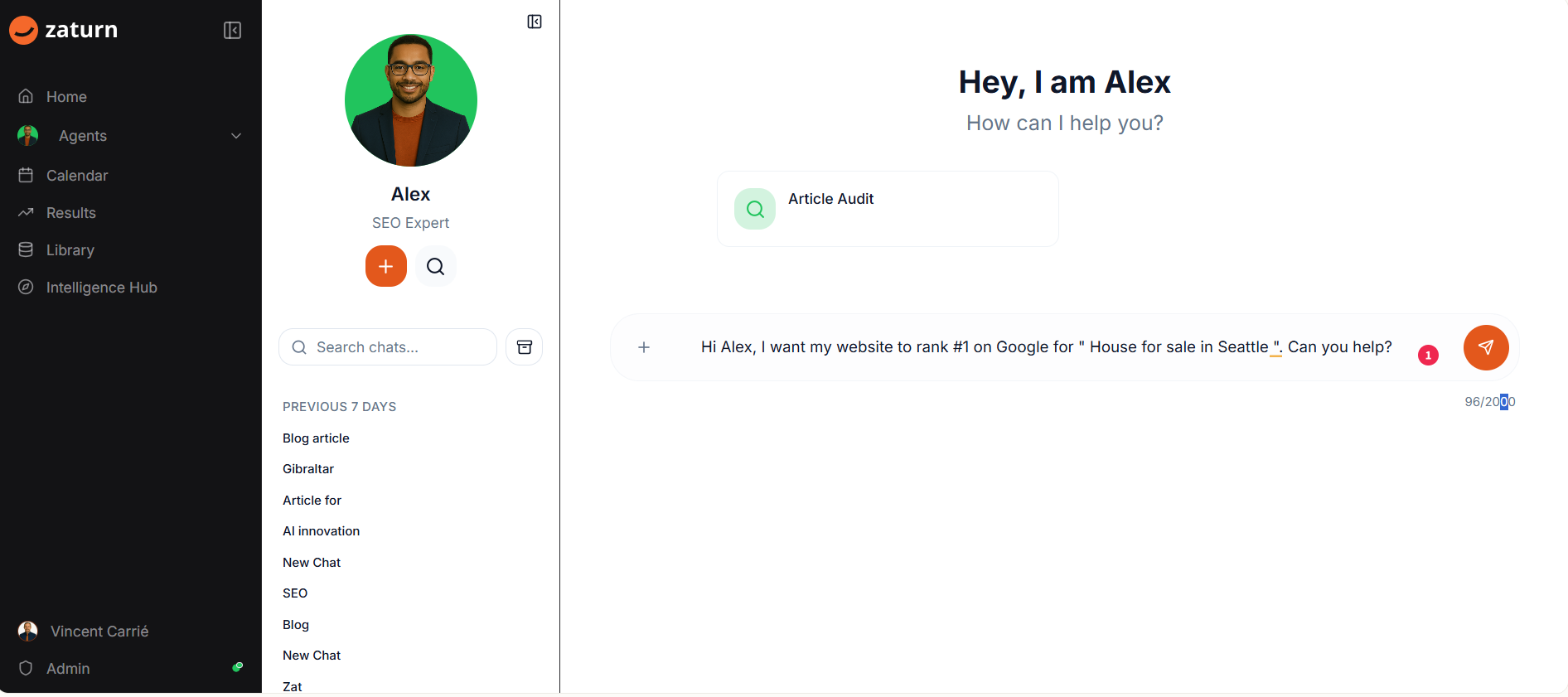
Chat with Alex and tell him what you want to rank for. Alex will engage in a discussion with you to create the best strategy. He's worked on thousands of SEO campaigns and knows what it takes to get to page one.
Simply tell him your goal. Something like:
"Hi Alex, I want my website to rank #1 on Google for 'House for sale in Seattle'. Can you help?"
That's all he needs to get started.
Your SEO Audit
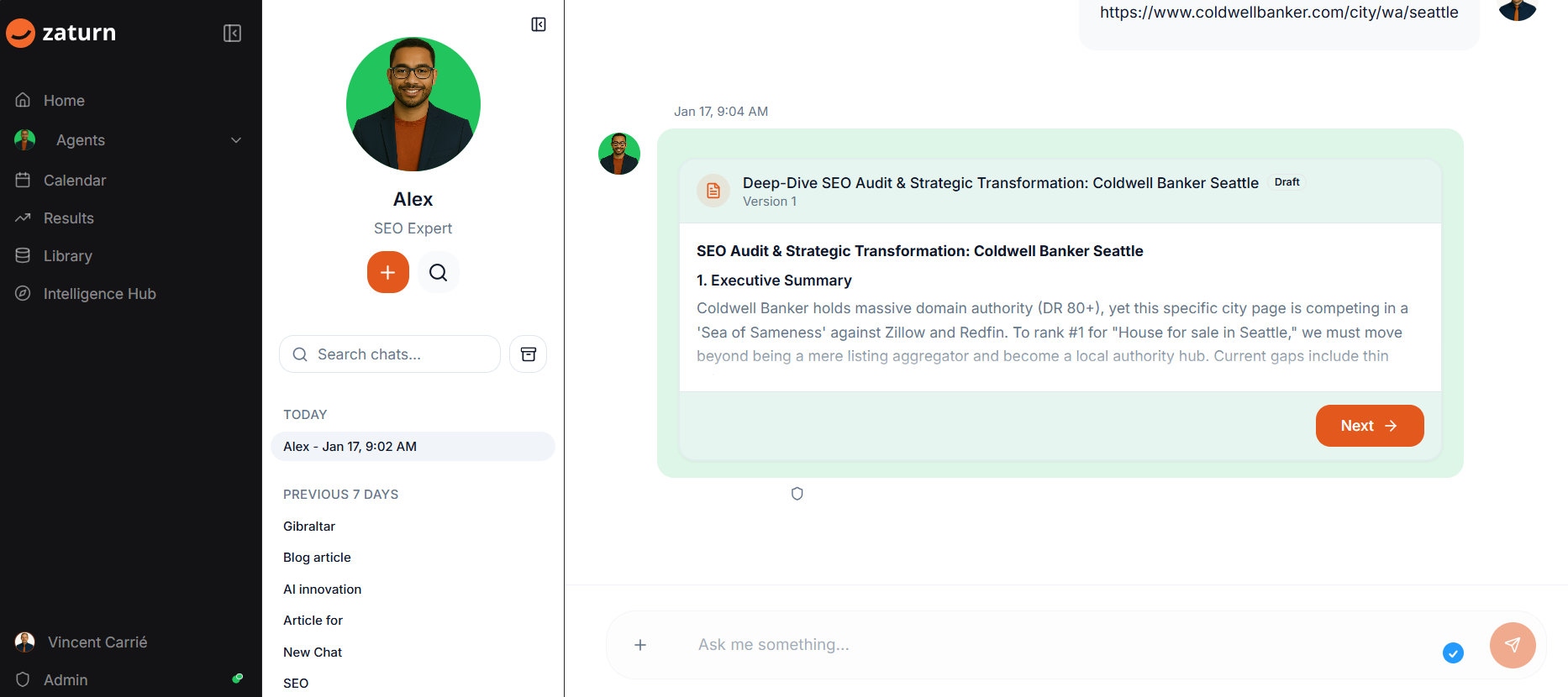
Alex doesn't just give generic advice. He performs a deep dive SEO audit of your actual website and creates a strategic transformation plan.
You'll get an executive summary explaining where you stand, what's working, and what needs to change. Alex identifies the gaps in your current strategy and tells you exactly how to fix them.
The audit includes a Technical SEO Scorecard that checks things like schema markup, FAQ sections, internal linking, and more. Green checkmarks show what's in place. Red X marks show what's missing and why it matters.
You can preview the full audit, see the source, and export it as PDF, DOC, Markdown, or plain text. Click Next when you're ready to move on!
Your Blog Posts
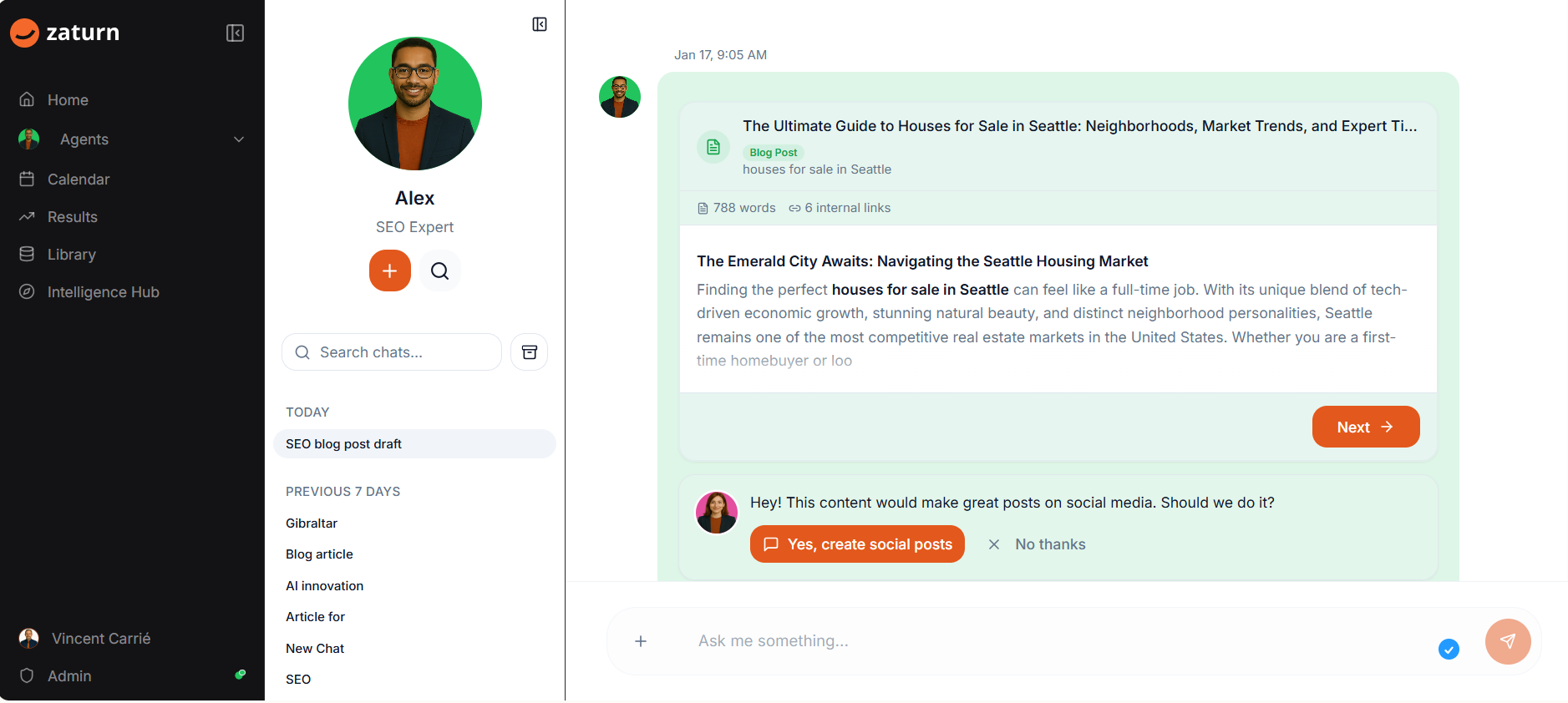
Alex writes complete blog posts optimized for the keywords you want to rank for. These aren't thin content pieces. We're talking 800+ words with proper structure, internal links, and everything Google loves to see.
You'll see the title, target keyword, word count, and number of internal links right on the card. Click to preview the full article and see exactly how it reads.
Want to check the SEO? There's an SEO tab that shows you how well optimized the content is.
Happy with the blog? Export it as PDF, Word, Markdown, HTML, or plain text and publish it on your site.
Work with Chloe
Here's where it gets fun. After Alex creates your blog post, he'll ask if you want to turn it into social media content. Click "Yes, create social posts" and Chloe takes over to promote your new article across your channels.
Your SEO and social media working together. No extra effort required.
Your Library
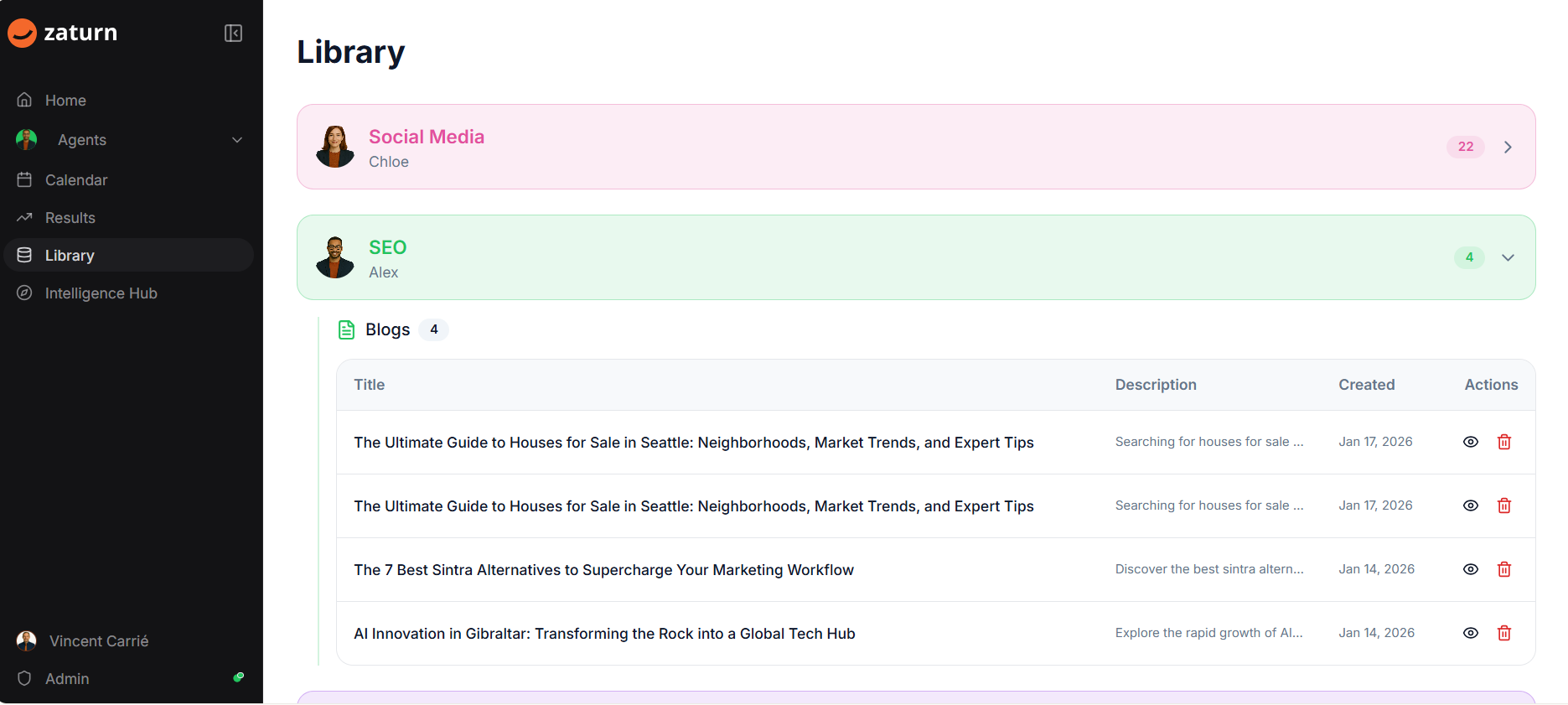
Head to your Library and you'll find all your blog posts under the SEO section. You can see the title, description, when it was created, and quick actions to view or delete.
Need to revisit an old post? Just click on it. Want to export it again? You can do that too.
Your Results
Head to Results and scroll down to the SEO section. You'll see your SEO Performance pulled directly from Google Search Console.
Track your search clicks, average position, and top search queries over time. Alex keeps an eye on what's moving so you can focus on running your business.
Your Best SEO
That's it! Tell Alex what you want to rank for, review your audit, publish your blog posts, and watch your search traffic grow. No SEO agency required.