AI LinkedIn Post Generator Guide
Stop wasting time on LinkedIn. Learn how an AI LinkedIn post generator helps SMEs create better content 5x faster.
LinkedIn drives the vast majority of B2B social media leads, and most small businesses still treat it as the channel they’ll get to eventually because writing three thoughtful posts a week, on top of everything else, is genuinely hard to sustain.
That’s the gap an AI LinkedIn post generator is built to close but by handling the production work that gets skipped when things get busy.
This guide explains how AI LinkedIn post generators work, what separates a good one from a basic caption tool, and what to look for before you commit to one.
Short Answer
An AI LinkedIn post generator uses artificial intelligence to write LinkedIn posts in your brand voice, including hooks, body copy, hashtags, and sometimes visuals.
The category ranges from simple caption tools that generate on demand to full AI agents that plan your content calendar, write posts autonomously, and queue everything for your approval.
The right choice depends on whether you want help writing or a system that runs your LinkedIn presence with minimal input from you.
What Is an AI LinkedIn Post Generator?
An AI LinkedIn post generator is a tool that uses artificial intelligence to create LinkedIn content for you. It writes captions in your brand voice, structures posts for the platform's format, and in some cases handles scheduling, visuals, and analytics too.
The important distinction is that this isn't a spellchecker or a template library. A proper AI generator produces original posts from a brief (your topic, your tone, and your objective) and adapts them for how LinkedIn's algorithm and readers actually behave.
That means understanding things like the following:
The hook matters most. LinkedIn shows only the first two lines before the "see more" cutoff. A post that doesn't earn a click there doesn't get read.
Line breaks are strategic. Dense paragraphs get scrolled past. Single-line breaks create rhythm and hold attention.
Hashtags serve a specific purpose. Three to five targeted hashtags improve discoverability. Twenty generic ones signal spam.
Platform tone is distinct. A LinkedIn post reads differently from an Instagram caption or a tweet, even when covering the same topic. Good AI tools adapt for this automatically.
Tools that understand these nuances produce output you can use with minimal editing. Tools that don't produce generic text you'd spend as much time fixing as writing from scratch.
Why LinkedIn Is Worth the Effort for Small Businesses
LinkedIn is the highest-converting organic channel for B2B businesses, and the data backs that up consistently. But even for B2C businesses and local operators, a consistent LinkedIn presence builds the kind of professional credibility that converts.
What the Data Says |
|---|
LinkedIn drives 80% of B2B social media leads |
Personal profiles generate 5x to 8x more engagement than company pages |
Accounts posting consistently 2 to 5 times per week see the highest engagement growth |
82% of buyers check a salesperson's LinkedIn profile before responding to outreach |
The consistency problem is real. A burst of daily posts one week followed by two weeks of silence actually damages reach; LinkedIn's algorithm penalizes accounts that go quiet.
An AI post generator solves this by making consistency the default rather than something that depends on you having a spare hour.
How Does an AI LinkedIn Post Generator Actually Work?
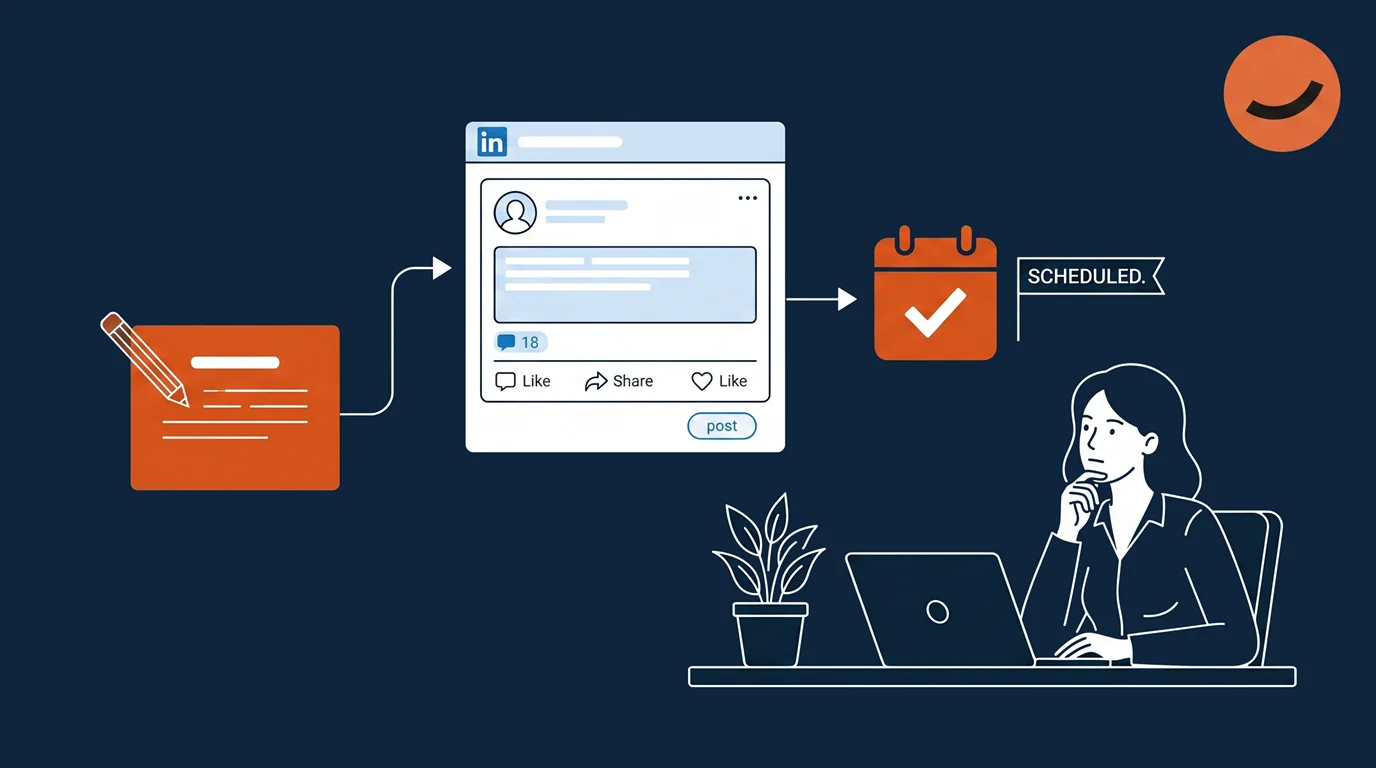
The workflow varies by tool, but the well-built AI LinkedIn post generators typically follows this sequence:
1. Brand and Audience Setup
You describe your brand voice, your target audience, and your professional positioning. The better tools store this permanently so you don't re-explain it every session.
✅ Zaturn's Intelligence Hub does this across all channels; you brief it once and every subsequent post draws from that context automatically.
2. Topic or Goal Input
You give the AI a direction: a topic, a recent experience, an industry observation, a product update, or a content pillar.
Some tools, like MagicPost, take this further with an ideas generator that surfaces six post concepts from a single theme, which is useful if you're starting from a blank page.
3. Post Generation
The AI writes the post (hook, body, call-to-action, and hashtags), formatted for LinkedIn's specific requirements. Good tools produce multiple variations or offer an A/B alternative hook so you can choose the angle that resonates more.
4. Review and Edit
You read the draft and make any changes. The best AI tools need very little editing after the first few weeks once they’ve learned your style. Most users report adjusting less than 10% of posts after an initial calibration period.
5. Scheduling and Publishing
The post goes into a scheduling queue for your chosen time or publishes immediately.
✅ Agent-based platforms like Zaturn handle this automatically after your approval. Dedicated LinkedIn tools like MagicPost and Taplio let you schedule directly from their dashboard.
💡 Pro Tip: The most common mistake when setting up any AI LinkedIn post generator is being vague about brand voice. Don’t say “professional”; say “direct, no jargon, and speaks to founders, not corporate managers.” The more specific the brief, the less editing you do later.
What Type of AI LinkedIn Post Generator Do You Need?
This is where most buying guides skip the important nuance. There are four meaningfully different types of tool in this category, and choosing the wrong one is expensive whether you pay for it or not.
Type | Example Platform | What it does | Who drives | Best for |
|---|---|---|---|---|
Writing and formatting assistant | AuthoredUp | Helps format and structure posts you've written yourself. No AI generation | You write everything | Prolific writers who want better formatting and analytics |
LinkedIn-dedicated AI platform | MagicPost | AI generates posts on demand, plus scheduling, ideas, analytics, performance tracking. LinkedIn only. | AI assists, you decide | Founders and creators focused on LinkedIn growth |
Multi-platform scheduling suite with AI | Buffer | AI helps write and repurpose content across all channels. Scheduling and analytics are the core. | AI assists, you decide | Teams managing LinkedIn alongside other channels |
AI social media agent | Zaturn | AI plans your calendar, writes posts, generates visuals, and queues everything for your approval. Works continuously across platforms | AI operates, you approve | Businesses that want LinkedIn to run itself |
💡 Ask yourself whether you want to write with AI helping you or AI to handle the writing while you approve the output. Those are different products solving different problems.
What Should You Look for in an AI LinkedIn Post Generator?
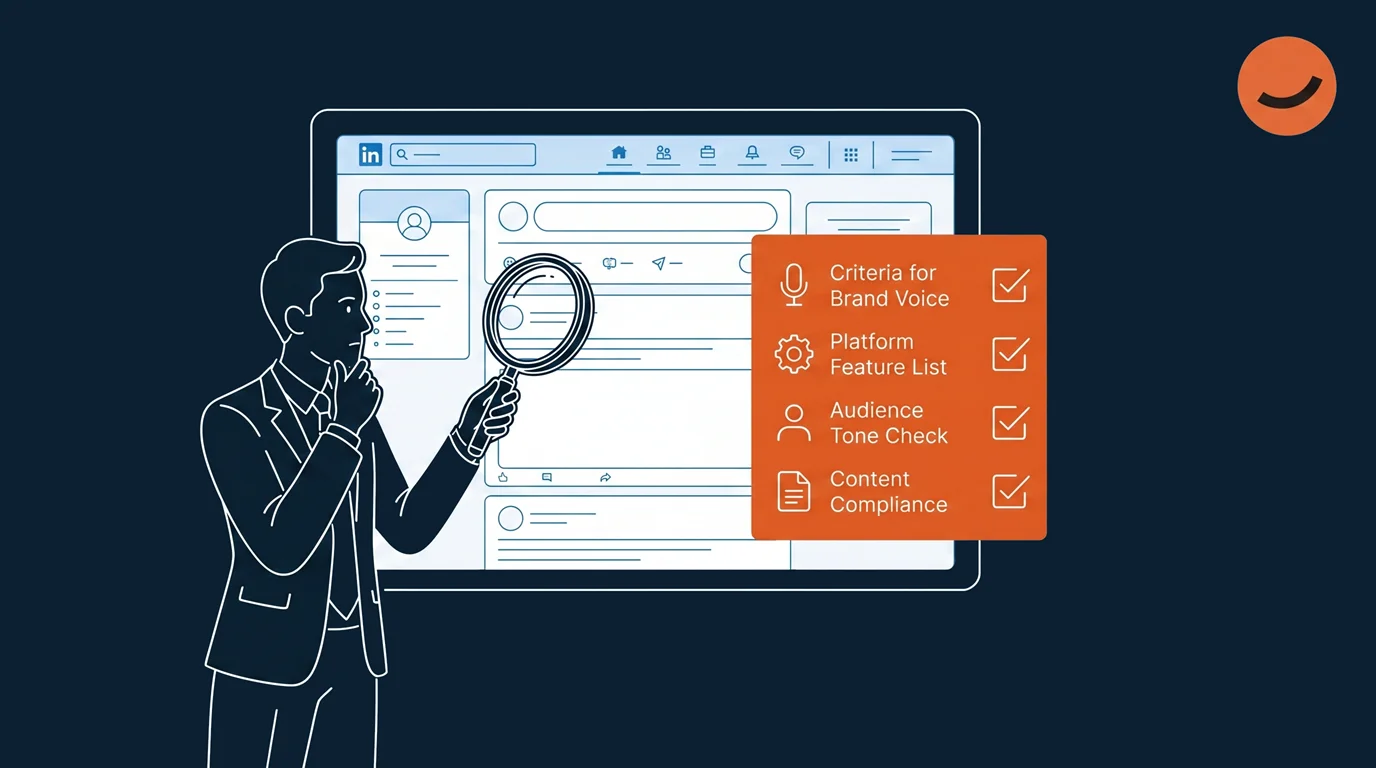
Once you know which type of tool you need, these are the criteria that separate the ones worth paying for from the ones that waste your time.
Does It Understand LinkedIn Specifically?
Generic AI writing tools can produce LinkedIn posts, but they don't understand the platform's content norms. A LinkedIn-native tool knows the following:
The hook has to earn the click.
Carousel posts outperform text posts for reach.
Hashtag strategy matters.
Professional credibility is built through specificity rather than polish.
→ If a tool produces the same style of content for every platform, it's not built for LinkedIn.
Does It Remember Your Brand?
This is the single biggest differentiator between tools that save time and tools that just move the work around. If you have to re-explain your tone, your audience, and your positioning every session, you're not saving much.
→ Look for platforms that store brand context permanently. Zaturn's Intelligence Hub does this.
Does It Create or Just Publish?
Schedulers publish content you've already written. AI generators create the content. Many tools have blurred this line by adding AI writing features to scheduling platforms, but the depth varies enormously.
→ A proper AI LinkedIn post generator produces a publish-ready post from a brief. A scheduler with an AI add-on gives you a starting point you still have to develop.
What's the Approval Model?
LinkedIn is public-facing and professionally visible. Nothing should go live without your explicit review. Tools that offer automatic posting without a review step are a risk. The approval workflow, where you see every post before it's scheduled, is a feature, not a limitation.
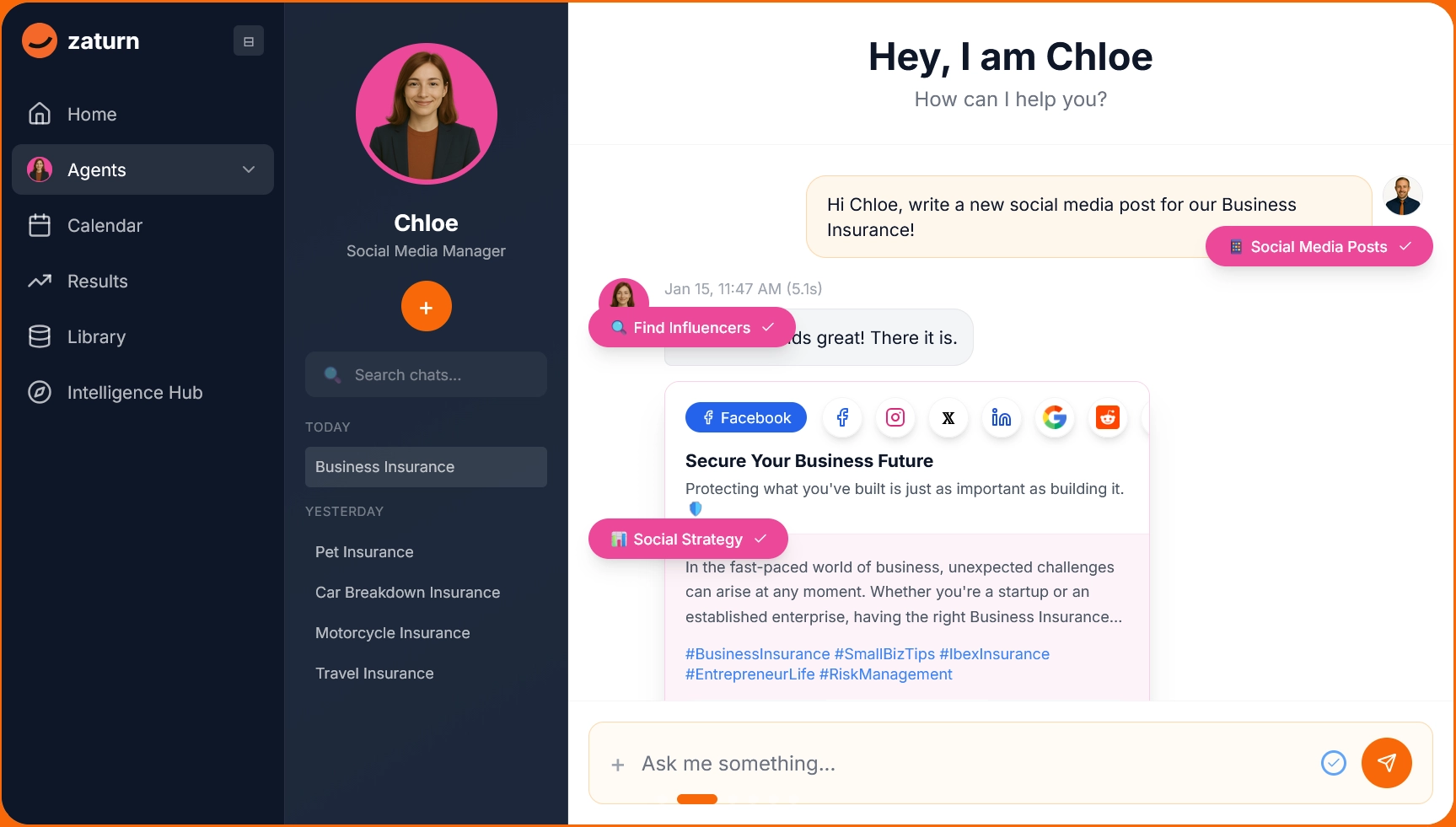
→ Zaturn’s AI social media assistant, Chloe, for example, queues everything for your review before any post touches your LinkedIn account.
Does It Include Analytics?
Generating posts without tracking performance is guesswork. You need to know which content types are generating impressions, which hooks are driving clicks, and whether your posting frequency is building or losing momentum.
→ Analytics close that loop and feed back into better content decisions over time.
What Types of LinkedIn Posts Get the Most Engagement?
Understanding the formats that perform well on LinkedIn helps you brief any AI generator more effectively and helps you evaluate whether the content it produces is actually built for the platform.
Post type | What it is | Why it works | Hook structure |
|---|---|---|---|
Personal story | A real experience with a professional lesson attached | Combines authenticity with expertise. It’s the highest-trust combination on LinkedIn. | Start with the outcome, then walk back to how you got there. |
Contrarian take | A bold opinion on something your industry accepts without question | Generates comments from both sides. Agreement and disagreement both boost reach. | State the unpopular position clearly in the first line, then back it up |
Lessons learned | Numbered insights, 5 to 7 points, one to two lines each | Built for scannability and saving. People bookmark these for later. | Open with the number and a surprising promise (”5 things I wish I knew before…”à |
Behind the scenes | A transparent look at a real decision, challenge, or mistake | Shows the process rather than the polished result. It’s genuine and builds trust. | Lead with what went wrong or what surprised you |
Educational framework | A named process or step-by-step guide with reasoning behind each step | Outperforms simple lists because it teaches, not just informs | Name the framework in the first line to create curiosity |
💡 Pro Tip: A good AI LinkedIn post generator should be able to produce all five formats on request. If it defaults to the same structure every time regardless of your topic, it’s not built specifically enough for LinkedIn to handle the range of content your audience expects.
How Zaturn Handles LinkedIn Post Generation
Zaturn's Chloe is an AI social media agent, which puts her in a different category from dedicated LinkedIn tools like MagicPost or Taplio.
Rather than generating posts when you ask, she plans your content calendar, writes LinkedIn-specific posts in your brand voice, generates on-brand visuals, and queues everything for your approval week after week without prompting.
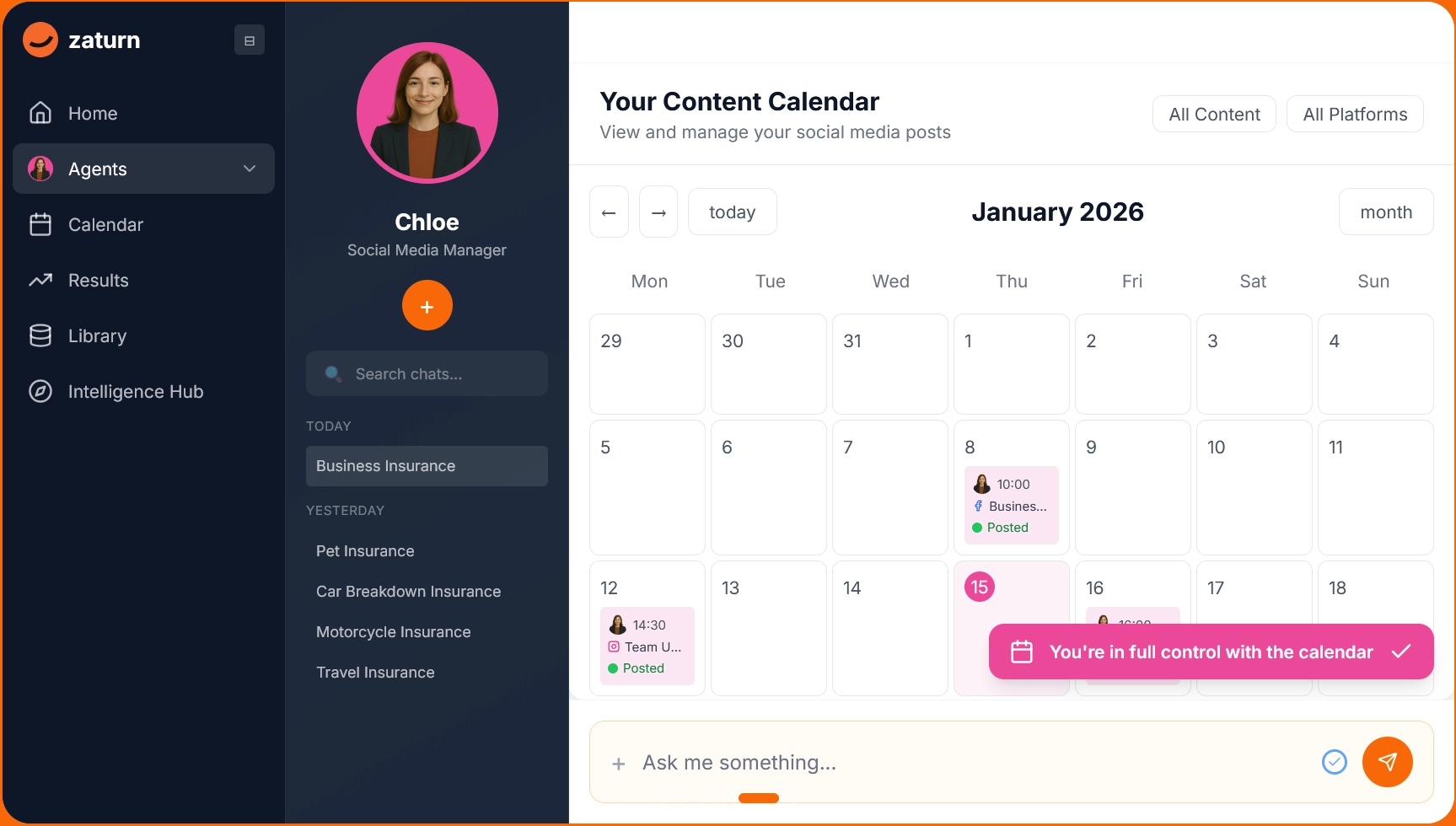
The Intelligence Hub stores your brand voice, audience details, and visual assets permanently, so every post Chloe produces draws from the same context without you re-briefing her between sessions.
👉 For LinkedIn specifically, Chloe writes posts formatted for the platform's norms: a hook designed for the first two lines, strategic line breaks, a clear call-to-action, and three to five targeted hashtags per post. She also generates on-brand visuals auto-sized for LinkedIn's aspect ratio requirements.
The key distinction from LinkedIn-dedicated tools is that Chloe covers LinkedIn alongside Facebook, Instagram, and X from the same platform. Dedicated tools offer LinkedIn-specific features, but Chloe handles multiple channels without you juggling separate tools.
Do You Actually Need an AI LinkedIn Post Generator?
Not everyone needs an AI LinkedIn post generator. The ROI case is strongest for specific situations. Here’s a quick way to assess whether it makes sense for you.
Situation | Points |
|---|---|
You post inconsistently due to a lack of time | 3 |
You're writing every post from scratch with no system | 3 |
LinkedIn takes more than 3 hours of your week | 2 |
Your profile has gone quiet for weeks at a time in the last 6 months | 2 |
You know what you want to say but struggle to structure it for the platform | 2 |
You're managing LinkedIn alongside other channels | 2 |
You want to grow your audience, not just maintain it | 1 |
0 to 4: You’re not ready yet or you don’t need the tool. Define your strategy first.
5 to 8: An AI generator would help. A dedicated LinkedIn tool is probably the right tier.
9 to 13: Strong fit. You’d see immediate time savings and consistency improvements.
14+: You need to invest in an AI LinkedIn tool as soon as possible.
Final Thoughts
LinkedIn is genuinely one of the best channels for B2B businesses and professional brands and one of the easiest to neglect when things get busy. An AI LinkedIn post generator doesn't fix a strategy gap. But if you know what you want to say and just can't keep up with saying it consistently, it solves the execution problem that's actually stopping you.
The right tool depends on what you need, but if you want your full LinkedIn presence planned, written, and queued with minimal weekly input from you, Zaturn's Chloe operates at a different level.
Ready to see what LinkedIn looks like when it actually runs consistently? Zaturn's 14-day free trial requires no credit card. Set up Chloe and have your first month of LinkedIn content ready to review in one session.